How to Make a Backrooms Still Life
Four steps, about two minutes, no software to install and no account to create.
What you need
- A photo of an interior — a bedroom, an office corridor, a stairwell, a shop after closing.
- Any recent browser on a phone or computer.
- Optional: a few seconds of patience for the 4K render on older phones.
Step 1: Upload a photo
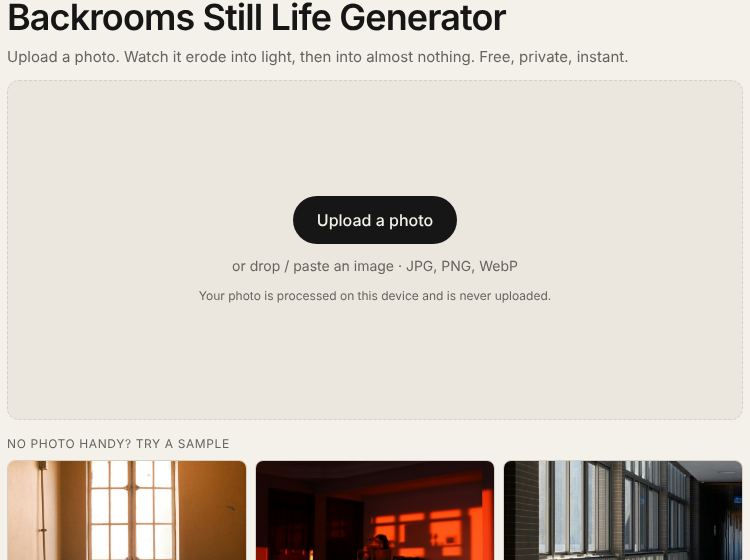
Open the backrooms still life tool and press Upload a photo, drop a file onto the box, or paste an image from your clipboard. JPG, PNG and WebP all work. An indoor shot with a window or lamp gives the strongest result. Nothing is sent to a server; the picture is read straight into your browser.
Step 2: Pick a stage
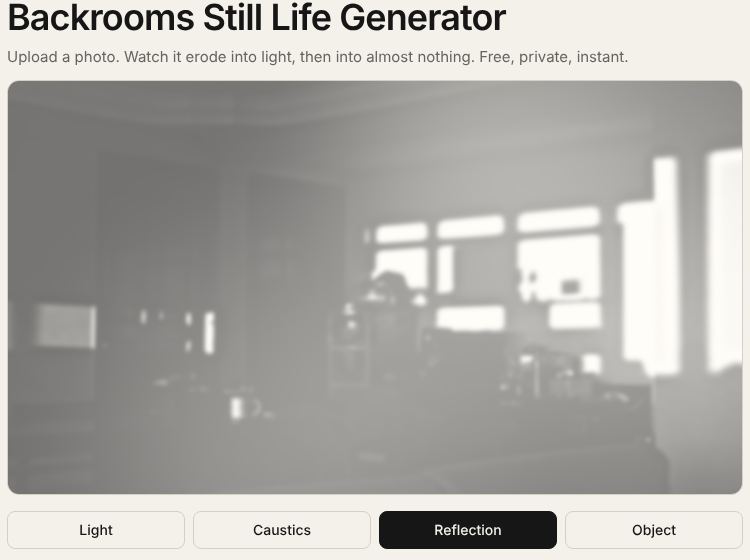
Tap one of the four buttons. Light keeps hard highlights and shadows, Caustics adds pools of glow, Reflection makes objects go ghostly, and Object leaves an almost blank, off-white frame. Start with Reflection if you are unsure — it is the most recognisable look.
Step 3: Tune the erosion strength
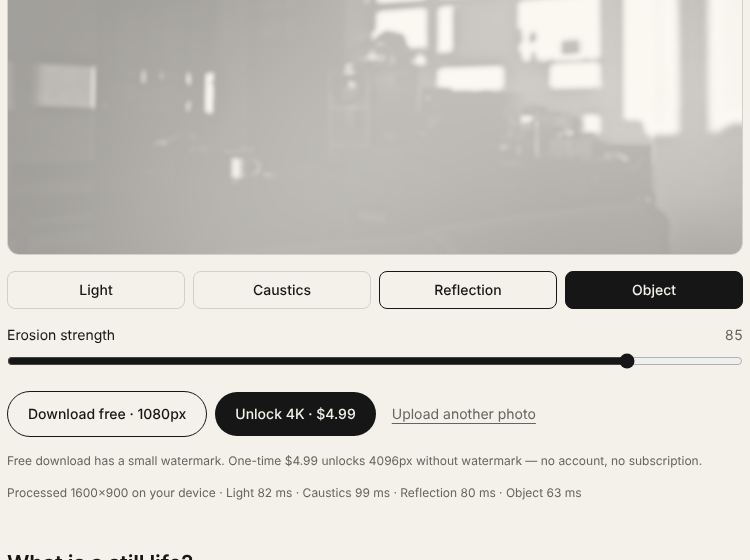
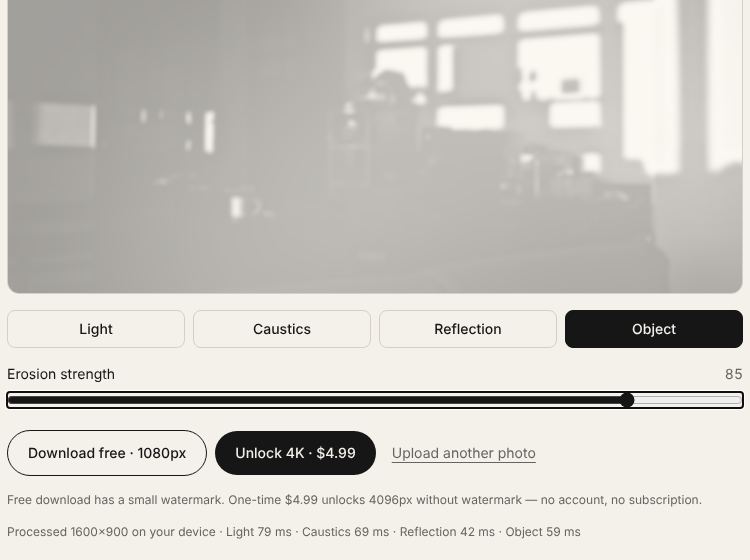
Drag the Erosion strength slider. While you drag you see a fast low-resolution preview; when you let go, the full-quality frame is drawn. Values between two stages blend them, so 85 sits between Reflection and Object — usually the sweet spot where a room is still readable but clearly fading.
Step 4: Export the image
Press Download free · 1080px for a JPG with a small corner watermark, or unlock 4096px exports without it for a one-time $4.99. Want another variation? Go back to the backrooms still life generator, upload a new photo and repeat — there is no limit.
Tips for a more convincing result
- Shoot or choose photos where one side of the room is much brighter than the other; the Caustics pass anchors its glow there.
- Avoid people in frame. The effect reads as empty space, and faces fight that.
- Wide angles help. Corners and long walls give the eye something to lose.
- For a series, keep the slider value the same across several photos so they feel like one set.
Curious about what happens to the pixels in each pass? The page on the still life generator explains every stage with before-and-after examples.