The still life effect, explained
Think of a photo of a waiting room taken on an overcast afternoon, then left in the sun for years. Colours drain first. Highlights bloom. Eventually the objects themselves seem to evaporate and you are left with a bright, slightly warm blank where a room used to be. That gradual loss is the whole effect: not a filter applied once, but a sequence of erosions where each one starts from the result of the last.
Because the steps are cumulative, the position between them matters. Ten points on the strength slider can be the difference between an eerie but readable room and an abstract field of light. This page walks through what each pass does to the pixels so you can aim for a specific mood instead of guessing.
The four stages, before and after
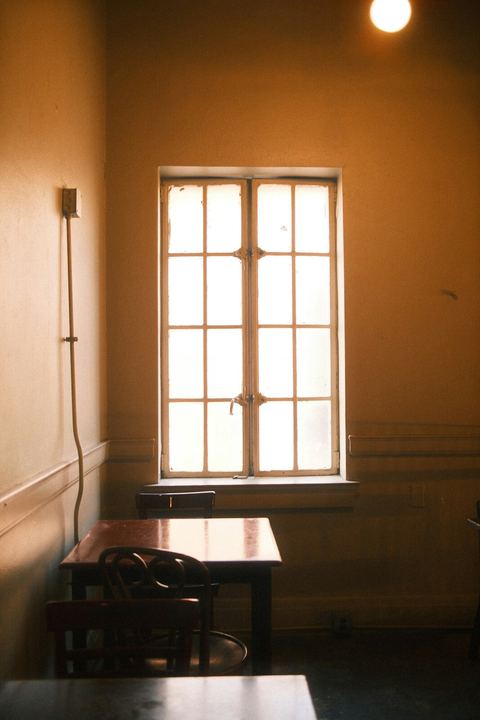
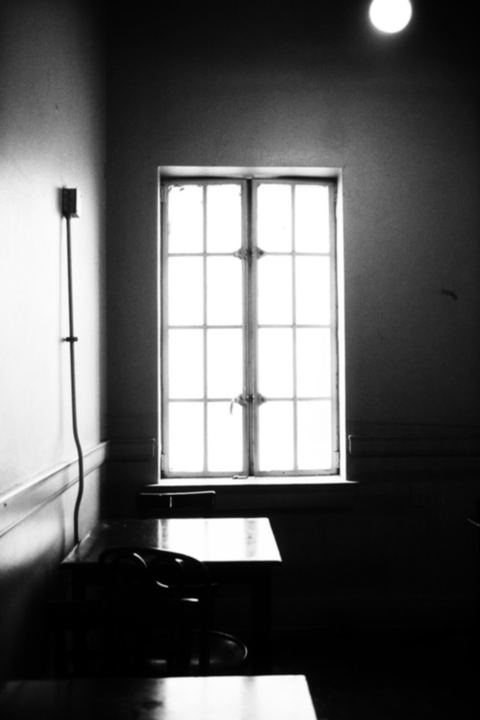
Stage 1 — Light
Colour is removed and the picture is reduced to brightness. A steep tone curve then throws away most middle greys, so a sunlit window stays white, the corners fall into black, and everything in between collapses toward one side or the other. A touch of blur takes the digital edge off.
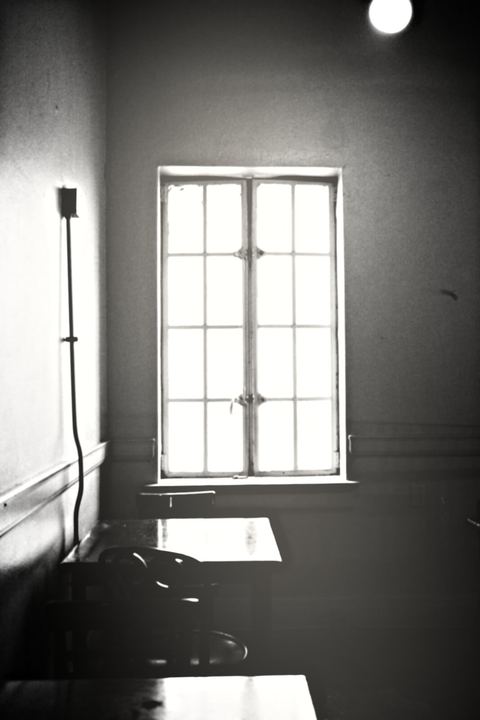
Stage 2 — Caustics
Local contrast is sharpened with a wide unsharp mask, which makes edges near the light source glow. Then two or three very large, faint circles of light are screened on top. The first one is centred on the brightest part of your photo; the others land where bounced light would plausibly fall.
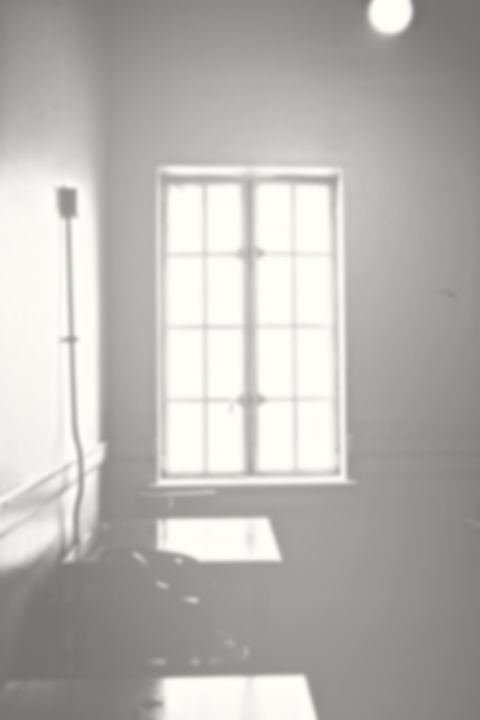
Stage 3 — Reflection
The image is blended with its own negative at thirty percent and lifted as a whole. Dark furniture turns into grey ghosts of itself, shadows lose their weight, and outlines begin to melt into the surrounding wall.
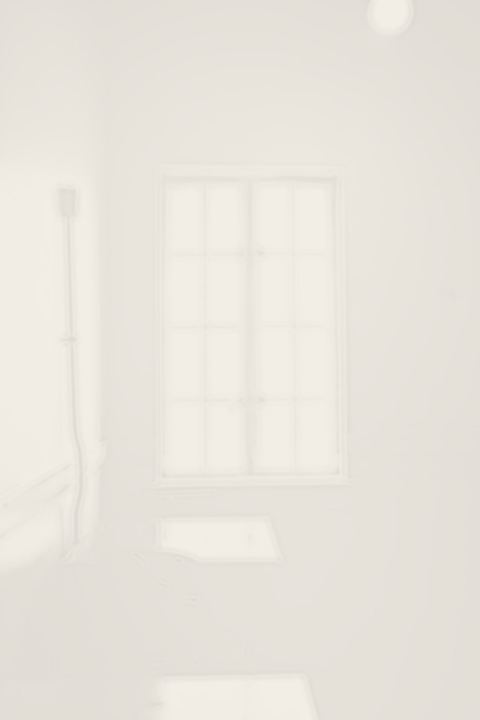
Stage 4 — Object
Contrast drops to roughly a tenth of what it was and brightness is pushed close to white, with a slight warm paper tint. What remains is the faint trace of a doorway or a table edge, the kind of detail you notice only on a second look.
Not the still life you learned in art class
In painting and studio photography, a still life is an arrangement of inanimate things — flowers, fruit, a skull, a glass — lit carefully so that texture and form stand out. The goal there is presence: you should almost be able to touch the peach.
The internet meaning runs the opposite way. The subject is a space rather than an object, the lighting is flat or harsh rather than composed, and the goal is absence. Detail is removed on purpose. So if you were searching for a tool that arranges fruit bowls or imitates Dutch oil paintings, this is a different thing — it subtracts from a photo you already have.
Where to go next
Want every click shown with a screenshot? Follow the guide on how to make backrooms still life images, from picking a photo to saving the file. For example scenes, a comparison with AI image platforms and more answers, head back to the backrooms still life home page.
Common questions
Is it free?
Yes. Every stage and the strength slider are free with no daily limit. Free downloads are 1080 pixels on the long side with a small watermark; a one-time $4.99 payment unlocks 4096-pixel files without it.
Do I need an account?
No. There is no sign-up, no login and no email wall. If you pay, you receive a recovery code instead of an account, which you can paste on the pricing page to restore 4K exports in another browser.
Are my photos uploaded anywhere?
No. The effect is computed by a Web Worker inside your browser tab. The image is never sent to a server or stored, and the tool keeps working with your internet connection switched off once the page has loaded.
Can I use the images commercially?
Yes. Images you make from photos you own may be used for personal and commercial projects, including client work, merchandise, album art and social posts. The free tier's watermark should stay intact; the paid export has none.